
For teams that already have a website or app, and need live Taobao / 1688 catalog data on their frontend — not a white-label store, and not a scraped copy of someone else’s listing.
You already have a site, or you are about to build one. Search works. Product pages work. The piece that is not there yet is putting live catalog data from Taobao and 1688 onto that frontend: keyword search, image search, paste a product link, then SKU and detail. On your domain. In your UI. Without scraping either marketplace yourself.
That is a product-data problem. It is not a “launch a purchasing-agent brand” problem. If the storefront is yours, you need an official catalog API your backend can call, and a working example of how the browser talks to it without ever seeing the key.
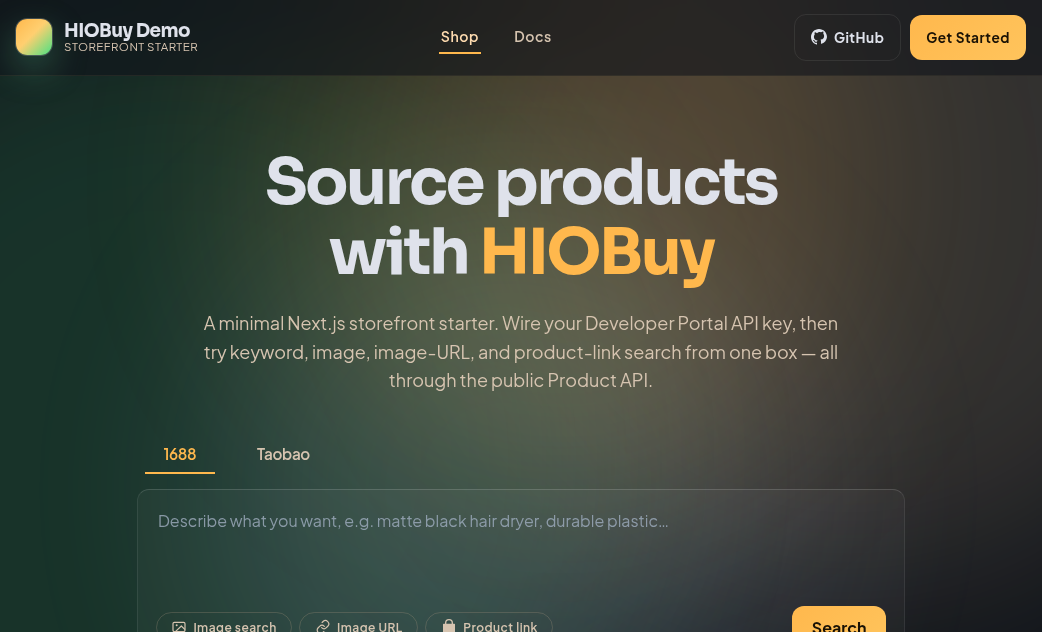
On 26 August 2026 we published that example. The HIOBuy starter is a minimal open-source Next.js app: github.com/hiobuy/starter (MIT). There is a live demo at starter.demo.hiobuy.com. The rest of this post is how to run it, what the four Product API calls actually do, and where the starter stops.
Why official product data instead of scraping
Copy-pasting a listing once is fine for a one-off SKU. It falls apart the moment price, stock, or variants change on 1688 or Taobao and your page still shows last week’s screenshot.
Scraping is the other common shortcut. It is unofficial, it breaks when the source page changes, and it is a poor fit if you are building something you intend to keep. HIOBuy is an official authorized technology partner of Taobao, 1688, and Weidian. The Product API is a unified interface across those channels — not a scraper sitting on HTML.
You still render the catalog on your site. The API is the data layer. Your routing, your copy, your checkout later.
What “product data” actually means
In the starter, product data is four flows, each mapped 1:1 to a public endpoint:
| What the user does on your site | HIOBuy Product API |
|---|---|
| Keyword search and a product listing | POST /v1/products/search |
| Upload a photo, or paste an image URL | POST /v1/products/search-by-image |
| Paste a Taobao or 1688 product link | POST /v1/products/parse |
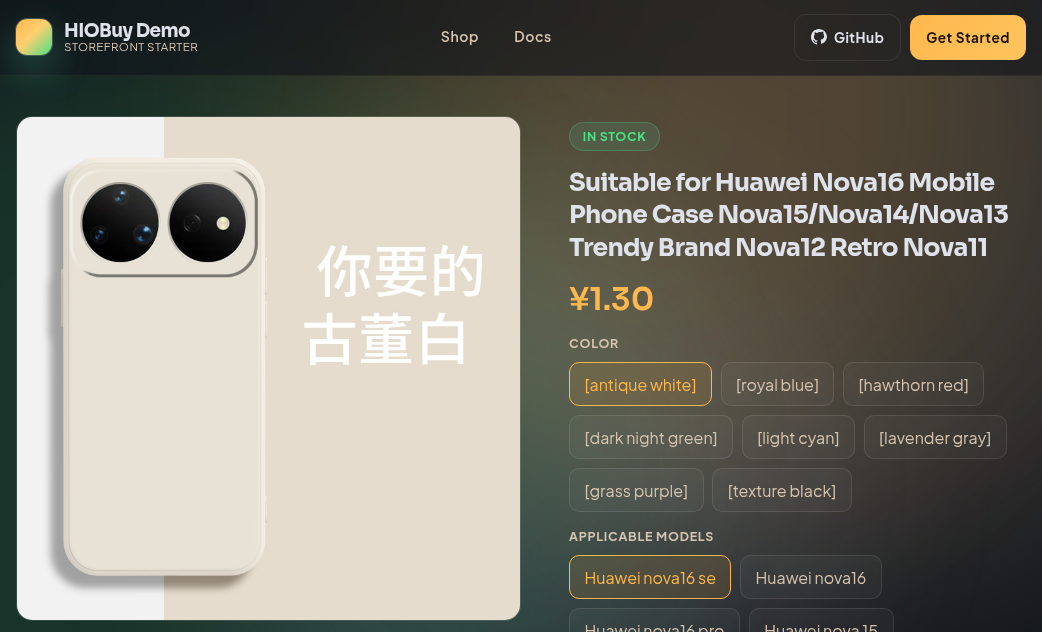
| Open a listing: images, SKU, variants | POST /v1/products/detail |
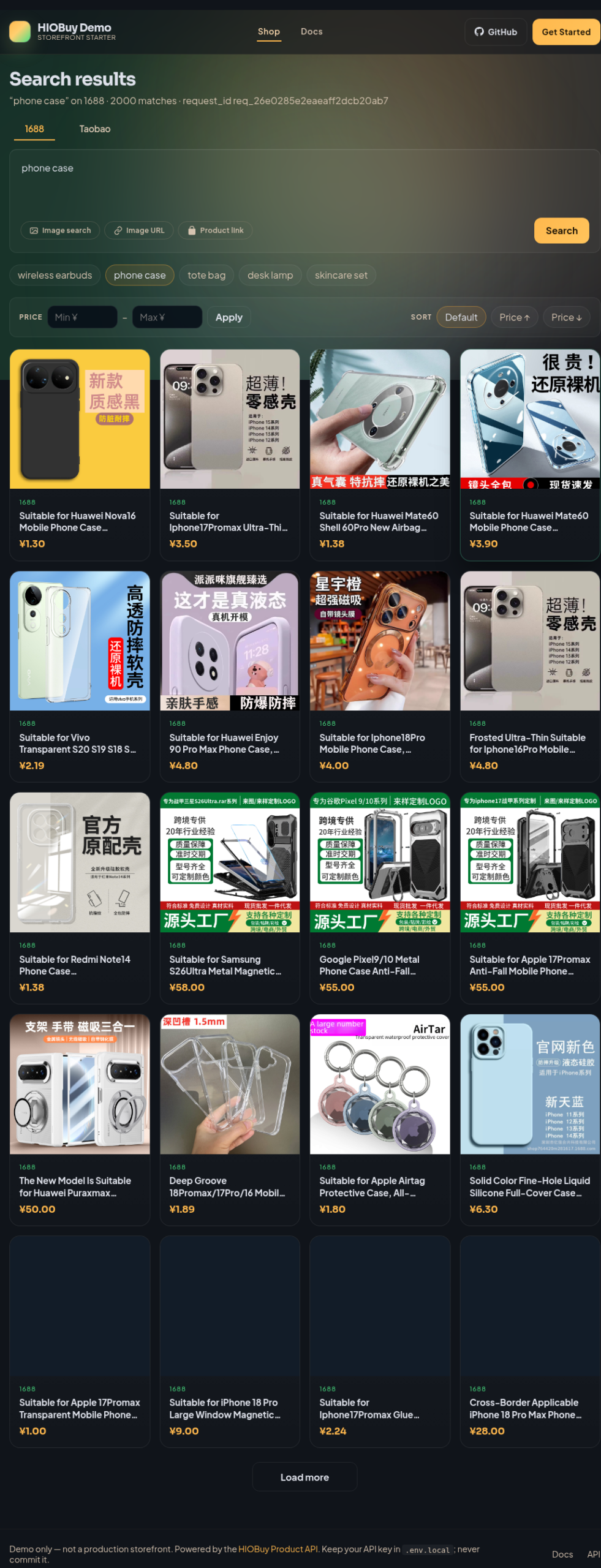
That is the catalog loop: find an item, open it, read the variant matrix. Search (or parse) returns an id. You pass that id into detail. Do not invent your own identifier.
One practical trap on Taobao: id / mi_id rotates. Do not cache it long-term. A stale id fails on the next detail call. Re-fetch from search or parse before you treat a listing as current.
Prices on the Product API are CNY yuan. These endpoints do not convert currency. If you need FX or a markup, that lives in your application, not in the starter.
Hands-on: get a key, clone, run
1. Get an API key
Create a developer account at developers.hiobuy.com, create an App, and issue an API key.
An API key alone is not enough. The App also has to be authorized for the marketplace channels you want — 1688, Taobao, or both. If a channel is not authorized, product calls return 401 CHANNEL_NOT_AUTHORIZED. For local work, use a test or sandbox key where the portal offers one.
2. Clone the starter
MIT licensed. Next.js.
git clone https://github.com/hiobuy/starter.git
cd starter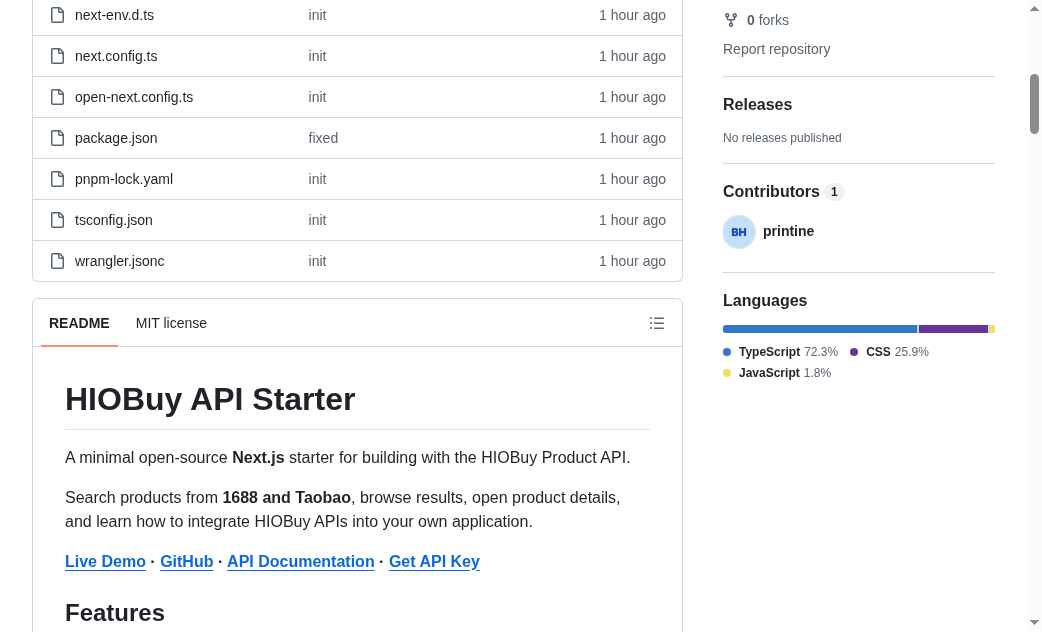
3. Keep the key on the server
Copy the example env file:
cp .env.example .env.localThen set:
HIOBUY_API_KEY=your_api_key_hereOptional:
HIOBUY_DEFAULT_LANGUAGE=enNever commit .env.local. Never put the key in frontend code, and never prefix it NEXT_PUBLIC_.
4. Install and run
With pnpm:
pnpm install
pnpm dev
Or with npm:
npm install
npm run dev
Open http://localhost:3000. You should get the same four flows as the public demo, against your own App.
The demo at starter.demo.hiobuy.com is for evaluation. It sits behind gateway rate limits and usage quotas. Do not point production traffic at it as a proxy.
How the request actually travels
The starter never lets the browser talk to HIOBuy with your key. The browser only hits this app’s own routes:
Browser
   │
   ▼
Next.js Route Handler  (/api/products/*)
   │
   │  Authorization: Bearer <HIOBUY_API_KEY>
   ▼
HIOBuy Product API
lib/hiobuy.ts is the server-side client. The handlers under app/api/products/ — search, search-by-image, parse, detail — are the proxy. Frontend code should call those routes (for example POST /api/products/search), not the HIOBuy host.
A typical search body looks like this:
{
  "channel": "1688",
  "keyword": "phone case",
  "page": 1,
  "page_size": 20
}
If you already have a frontend in another stack, keep the same split: secret on the server, product routes as a thin proxy, your UI as the only thing users see.
Catalog is not checkout
Read this before you treat the starter as a store.
It is an integration example for the Product API. It does not include:
- Order creation
- Procurement
- Warehouse fulfillment
- International shipping
- Payment
It is not a production-ready storefront. You still own cart, checkout, auth, FX, and whatever you wrap around a listing.
If you later need the purchase loop — a customer buys on your site, your backend procures on 1688 or Taobao — that is a different set of APIs (/v1/orders/, and optionally /v1/fulfillment/ in warehouse mode). Start from the HIOBuy developer documentation and the authentication notes. Do not expect the starter to grow those features by itself.
One related platform rule is worth knowing early: HIOBuy’s product APIs are meant to support real sourcing, not a read-only catalog with no purchase path. Wire discovery first; add procurement when you actually take orders.
Deploy only if you need to
You do not need Cloudflare to run this locally or to self-host. It is a standard Next.js app.
The official demo happens to run on Cloudflare Workers via OpenNext. That path is optional. If you use it, set the key as a Cloudflare Secret at deploy time — do not bake .env.local into the Worker bundle:
wrangler secret put HIOBUY_API_KEYWhere to go next
- Starter (MIT): github.com/hiobuy/starter
- Live demo: starter.demo.hiobuy.com
- Developer portal and API key: developers.hiobuy.com
- API reference: hiobuy.com/api-docs
Clone it, put your key in .env.local, and hit localhost. If the catalog on your own frontend is the missing piece, that is the whole job this starter is for.